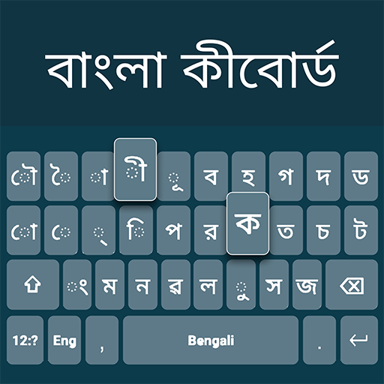
Type in Bangla and English Effortlessly
Switch between Bangla and English in one tap without changing keyboards. Express yourself naturally in both languages with smart suggestions, voice typing, and beautiful customization options.
Everything You Need for Bilingual Typing
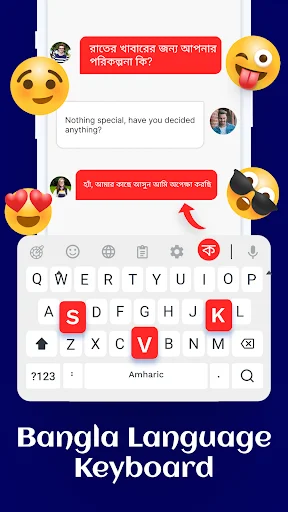
Switch Languages Instantly
Stop wasting time changing keyboards every time you switch languages. Tap once to move between Bangla and English layouts while you write, making bilingual conversations smooth and natural.
Smart Word Predictions
Type faster with intelligent suggestions and auto-correction in both Bangla and English. The keyboard learns your writing style and offers accurate word predictions that help you finish sentences quickly.
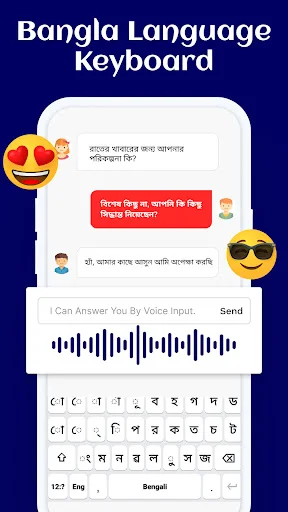
Type With Your Voice
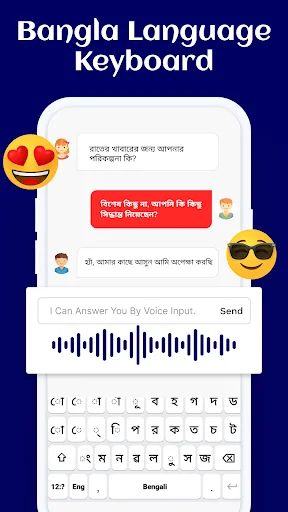
Speak your message instead of typing when your hands are busy or you want to save time. Voice input works in both languages, giving you another convenient way to write.
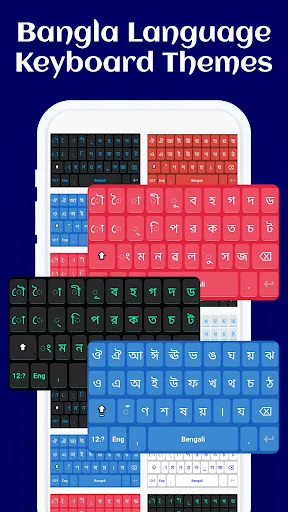
Personalize Your Keyboard
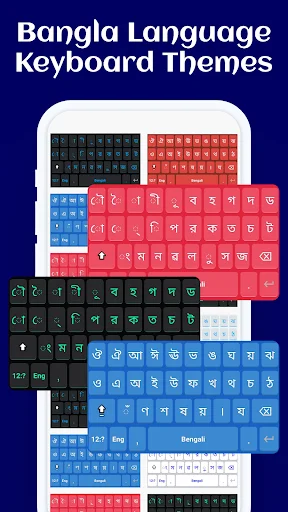
Choose from beautiful themes, backgrounds, colors, and fonts that match your style. Make your keyboard feel truly yours while keeping all the language features you need at your fingertips.
About Bangla Language Keyboard
What is Bangla Language Keyboard?
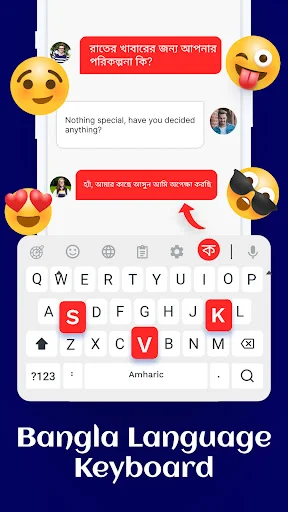
An Android keyboard for writing in Bangla (বাংলা), also known as Bengali, and English. Switch between the two languages, use word suggestions and auto-correction, and personalise the keyboard with themes, fonts, and backgrounds.
Type messages, notes, poetry, or longer text in compatible apps. Voice typing offers another way to enter words when you prefer speaking to tapping the keys.
Who is Bangla Language Keyboard for?
It is for Bangla speakers who write in their own language and also need English input. Move between languages during a conversation or while composing a note, rather than changing to a separate keyboard for each one.
Use it for everyday writing or creative text, with a choice of bright or minimal visual styles to suit your preferred keyboard appearance.
What does Bangla Language Keyboard do?
- Switch between Bangla and English Use the Bangla layout for Bengali characters and switch to English when you need Latin letters. Language switching changes the input layout while you compose your text.
- Get writing suggestions Use word predictions and auto-correction in Bangla and English. Suggestions adapt to your typing style, helping you choose words as you write. Check suggested changes before sending your message.
- Enter text by voice Use voice typing when speaking is more convenient than tapping. Review the recognised text before sharing it, especially names and numbers.
- Personalise the keyboard Choose themes, backgrounds, key colours, and font styles. Match the look to your preferences while keeping the language controls within the keyboard.
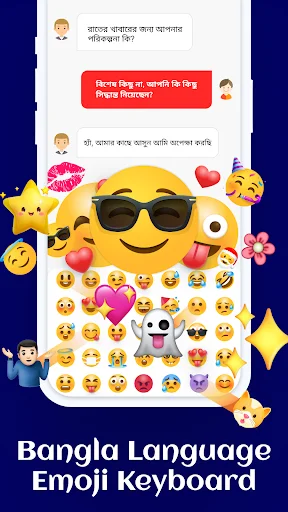
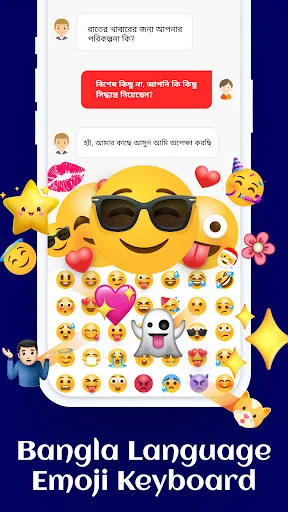
- Add emojis and stickers Use visual expressions alongside your words when they suit the conversation. Choose from the app's collection of emojis and stickers rather than relying only on plain text.
On-screen typing and predictive text work offline, so you can continue writing without an internet connection.
How does Bangla Language Keyboard work?
- Enable the keyboard in Android's keyboard settings and select it as your input method.
- Open a compatible text field in a messaging, notes, or email app.
- Choose Bangla or English and type, or use the voice-input option.
- Adjust the theme and font style if you want a different appearance.
Compatibility and requirements
The app is for Android and contains adverts and in-app purchases. It works in text fields that accept third-party keyboards; some apps and fields may handle keyboard input differently.
Offline support covers on-screen typing and predictive text. Voice input needs microphone access, and speech recognition can make mistakes.
Bangla Language Keyboard brings bilingual input, writing suggestions, voice typing, and visual personalisation together for everyday Bangla and English communication.
See the Beautiful Design in Action
Loved by Over 1 Million Bangla Speakers
It's absolutely fine for writing Bangla and English..
very nice working keyboard
Good working keyboard
Fantastic keyboard
Excelent keyboard
amazing app
Download Now and Start Typing Better Today
Join millions of satisfied users who have already transformed their experience.
Available on Google Play Store • Free to download