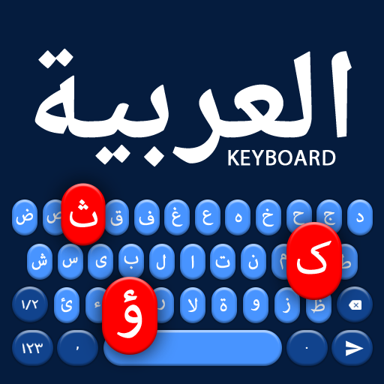
Type Arabic Beautifully, Switch Languages Instantly
Write messages, emails, and notes in Arabic with voice input, smart suggestions, and easy English switching. No complicated setup – just fast, personalized typing that feels natural.
Everything You Need for Better Arabic Typing
Switch Languages Effortlessly
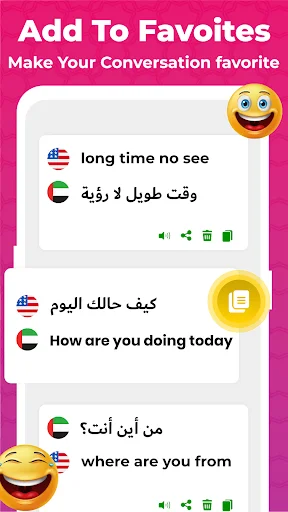
Move between Arabic and English without changing settings or apps. Perfect for bilingual conversations where you need both languages in the same message – just tap and switch instantly.
Type with Your Voice
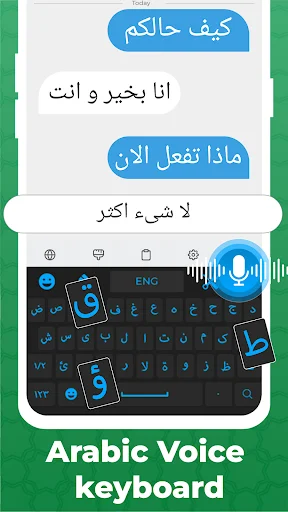
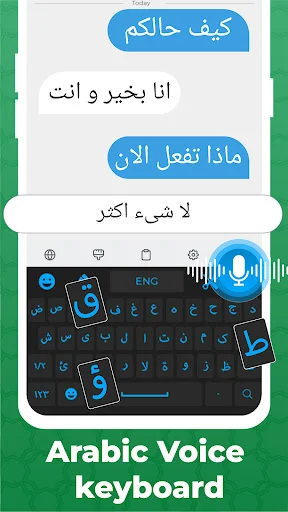
Speak your words and watch them appear in Arabic text. Voice input makes typing faster when you're busy, driving, or simply prefer hands-free communication that keeps up with your thoughts.
Write Accurate Arabic Always
Access harakat and diacritical marks for precise, professional Arabic writing. Smart suggestions and autocorrection help you compose faster while maintaining clarity – ideal for learning, work, or detailed messages.
Make Your Keyboard Yours
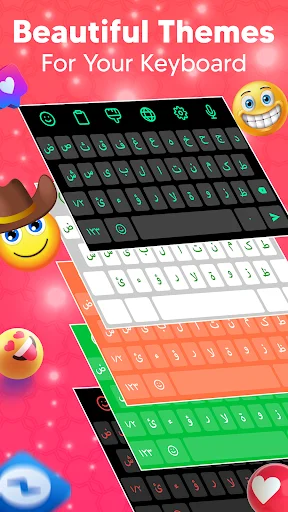
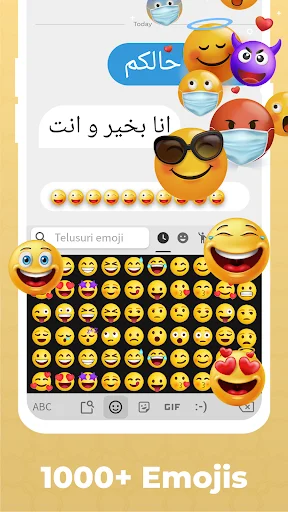
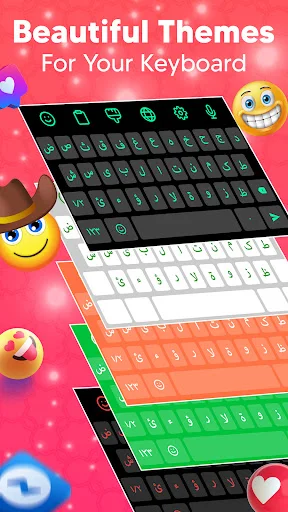
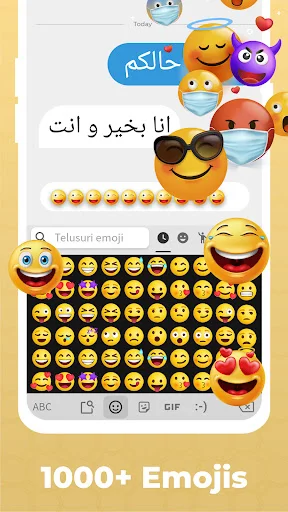
Choose from colorful themes and backgrounds that match your style. Add emojis, stickers, and GIFs to express yourself and make every conversation more personal and engaging.
About Arabic Language Keyboard
Arabic Language Keyboard - Type, Speak, And Personalize Your Writing!
This typing tool gives you a simple way to write messages, emails, notes, and posts with a complete Arabic layout. Voice input, smart suggestions, autocorrection, emojis, and colorful themes help make everyday writing quicker and more comfortable.
Arabic Keyboard With English lets you switch between two languages without changing input tools. Type Arabic: Jawi Keyboard For Android also offers a familiar layout for conversations, study, work, and daily communication.
Typing And Personalization Features:
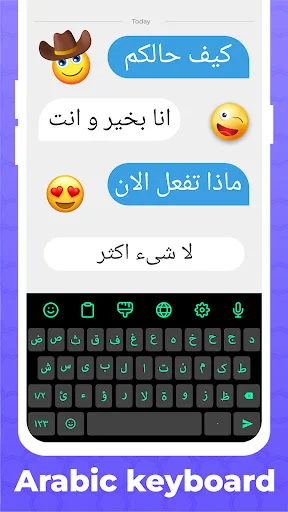
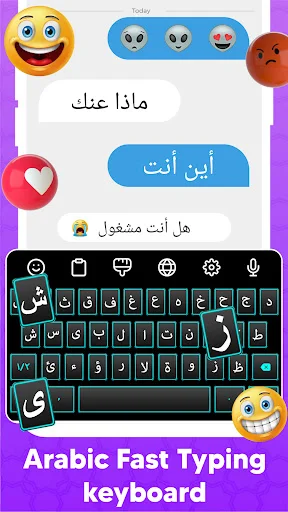
- Arabic Typing Keyboard - Write words, phrases, and messages with a complete alphabet layout
- Arabic Keyboard With Harakat - Access useful marks and special characters for more detailed writing
- English Type Arabic Keyboard For Android - Enter Latin characters and convert supported input into Arabic text
- Voice Input - Speak instead of typing when you want hands-free text entry
- Emojis And Stickers - Add smileys, symbols, GIFs, and expressive elements
- Themes - Choose colorful backgrounds and styles
- Smart Suggestions - Get predictions and autocorrection while composing text
- Language Switching - Move quickly between supported layouts
Write naturally, switch languages, and customize your typing style!
Arabic Typing Keyboard is designed for quick conversations and longer text without complicated setup. The clear layout helps you find characters easily, while prediction tools can reduce repeated typing.
Arabic Keyboard With Harakat provides access to diacritics for users who want more control over written words. These marks can be useful for learning, careful writing, or adding clarity to selected phrases.
How To Use:
- Enable Arabic Language Keyboard from your device input settings
- Open Arabic Keyboard With English when you want to move between two languages
- Try English Type Arabic Keyboard For Android for supported transliteration-style input
- Tap the microphone when you prefer voice-to-text entry
- Choose emojis, stickers, or symbols to personalize a message
- Select a theme or background that matches your style
- Use Type Arabic: Jawi Keyboard For Android across supported text fields
Voice Input And Smart Writing:
Arabic Typing Keyboard supports voice-to-text when manual entry is inconvenient. Speak your words, review the generated text, and make changes before sending. Predictions and autocorrection can also help during longer conversations.
Bilingual Communication:
Arabic Keyboard With English keeps both layouts close at hand for mixed-language conversations. Switch whenever your sentence changes language without repeatedly opening device settings. English Type Arabic Keyboard For Android adds another convenient option for users who prefer beginning with Latin characters.
Diacritics, Letters, And Suggestions:
Arabic Keyboard With Harakat includes useful marks for richer text entry. Swipe input, predictions, and corrections can make longer messages feel smoother. Type Arabic: Jawi Keyboard For Android keeps these everyday tools together in one straightforward setup.
Themes And Expressive Tools:
Arabic Language Keyboard includes visual customization for users who want a more personal writing screen. Choose from colorful themes and backgrounds, then add emojis, emoticons, symbols, GIFs, or stickers to conversations.
Make Everyday Writing Easier And More Personal!
Voice entry, bilingual switching, diacritics, smart suggestions, and visual customization give you flexible tools for messages, notes, study, emails, and everyday communication.
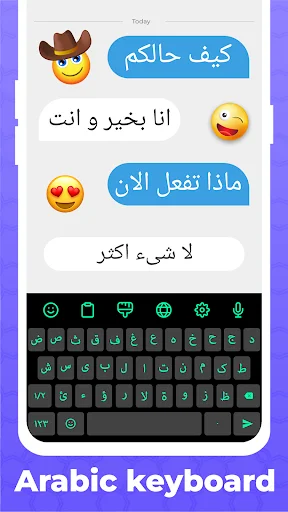
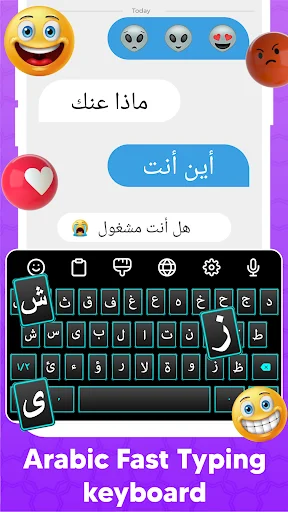
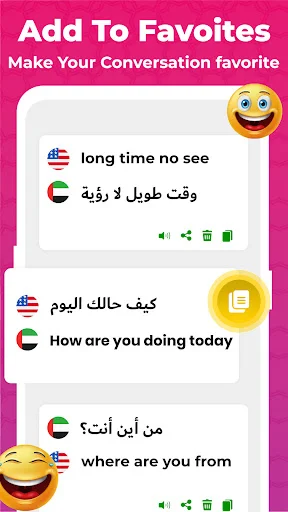
See the App in Action
Join Over 1 Million Happy Users
Arabic keyboard is a very good app with this I was able to type in English and convert Arabic this is a very good app Arabica helped me learn Arabi...
An amazing keyboard when it comes to typing Arabic the fluency really surprised me. I have been using this for a while and I have been extremely im...
This is the best keyboard to write Arabic language. I must say that I've really enjoyed using this keyboard Arabic language made eady to type and w...
Arabic keyboard With this application we can type very fast. This is the best and terrific keyboard application for typing. I have been using this ...
It is amazing application of Arabic keyboard.everytime i change my mobile i first download this keyboard .it is also fast with its key moving very ...
It's a perfect app!! This is a Easy Keyboard to write in Arabic and English language.Arabic Keyboard is a best Arabic Keyboard with Stylish Themes ...
Download Now and Start Typing Better Arabic
Join millions of satisfied users who have already transformed their experience.
Available on Google Play Store • Free to download