
Know Your Battery's Real Health Status
Get instant access to your Android battery's true condition with detailed health information, voltage readings, and technical specs – all in one simple view.
Everything You Need to Check Battery Health
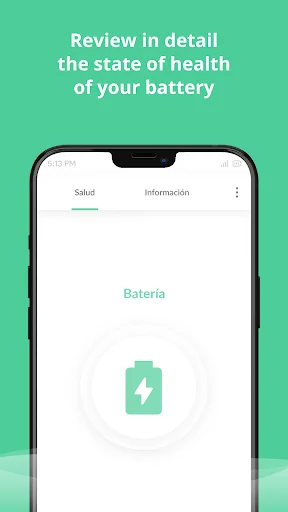
See True Battery Condition
Move beyond the basic charge percentage and discover your battery's actual health status. Get the real story about your device's battery condition so you can make informed decisions about performance and replacement.
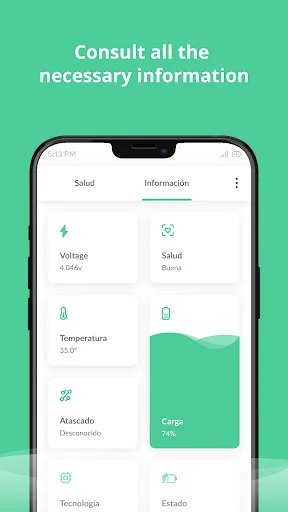
All Information, One Place
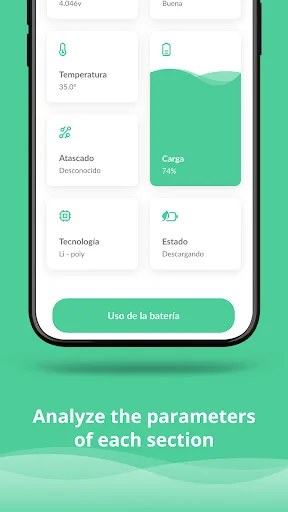
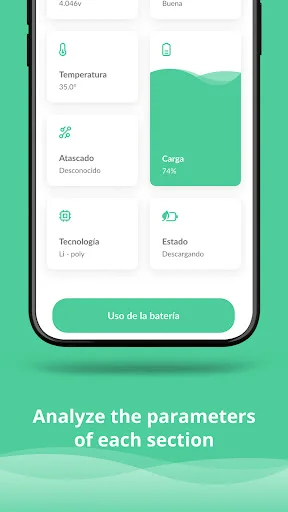
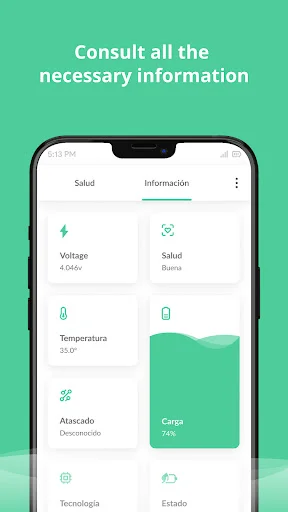
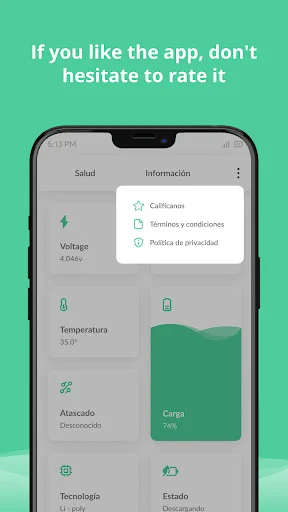
Stop hunting through system menus and settings. View battery health, voltage, temperature, and technology details together in a single, easy-to-read interface that saves you time and frustration.
Access Hidden Technical Details
Unlock battery information your phone normally keeps hidden. Check voltage levels, view battery technology type, and monitor temperature readings to get complete transparency about your device's power source.
Instant Status Checks Anytime
Open the app and get immediate battery health results in seconds. No complicated setup or configuration required – just quick, straightforward answers whenever you need to check your battery's condition.
About Battery Health & Life Checker
What is Battery Health & Life Checker?
Check battery health and view battery information on your Android phone. This battery checker brings status and technical readings into a simple interface, helping you see the information available about your device's battery.
Who is Battery Health & Life Checker for?
Use it when you want to look beyond your phone's charge indicator and check its reported battery status. It also suits anyone who wants to look up individual readings such as voltage and battery technology.
What does Battery Health & Life Checker do?
- Battery health and status: see the condition reported for your device.
- Voltage: check the displayed electrical reading alongside the other battery details.
- Battery technology: view information about the battery type.
- Temperature: view the reported reading as part of the battery information.
How does Battery Health & Life Checker work?
Open the app and start a battery check. Review the status shown, then look through the available battery information to find the readings you need.
Compatibility and requirements
This Android app checks battery information; it does not repair, calibrate or restore the battery, increase its capacity, or extend battery life. It contains ads and offers in-app purchases.
Battery Health & Life Checker keeps the focus on your battery's status and readings, so you can check its information when you need it.
See How Simple Battery Checking Can Be
Join Over 1 Million Happy Users
It's an excellent battery repair application. I have tried the app on several of my handsets and have proven to be the BEST. It provides informatio...
This app is fantastic. I used according to the instructions and after about ten days later, I still test check the battery but I couldn't find any ...
This app is amazing, now the battery lasts about 19 hours instead of barely 4 hours, now I don't have to change the battery thanks to this app, I r...
This App is really awesome. My phone battery that was almost gone came back alive immediately I downloaded this Battery Health App. Not only did it...
Great app I've had this phone less then a year and it had gotten so bad that even with a 100% charge it would die in about 4 hours even when it was...
This app is a must-have! It gives accurate battery health readings, extends battery life with smart tips, and is super easy to use. Highly recommen...
Check Your Battery Health Today – It's Free
Join millions of satisfied users who have already transformed their experience.
Available on Google Play Store • Free to download