Lock Private Apps With One Simple Tap
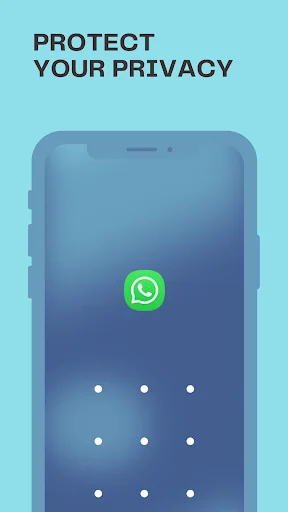
Stop worrying about others accessing your photos, messages, or personal apps. Good Lock gives you easy control over which apps stay private when you share your phone.
Privacy Protection Made Simple
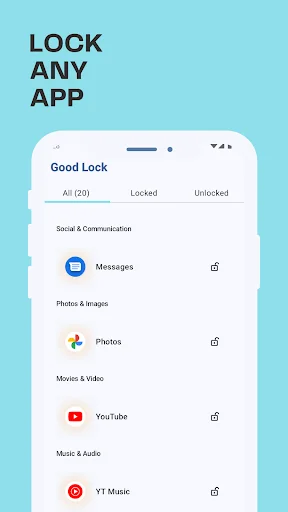
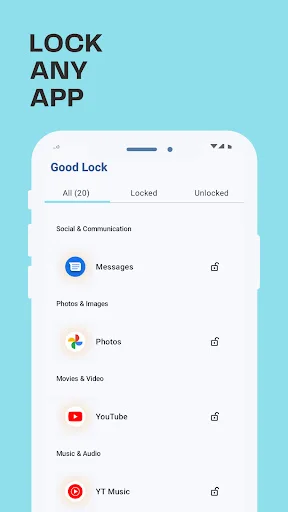
Choose What Stays Private
Select exactly which apps need protection – your gallery, messages, social media, or work apps. Lock only what matters to you while keeping the rest of your phone easy to use.
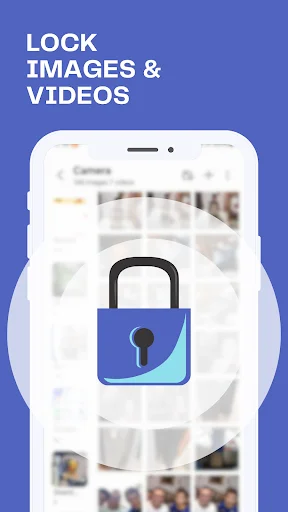
Guard Your Photos Safely
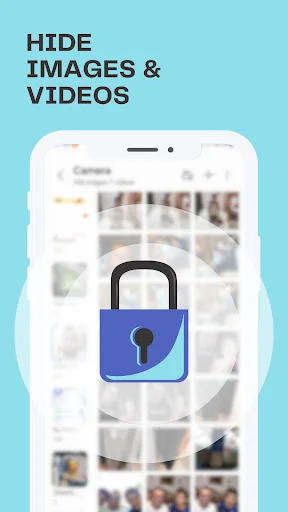
Add an extra layer of security before anyone can open your gallery or photo apps. Show someone one picture without worrying they might scroll through your entire photo collection.
Lock Your Way
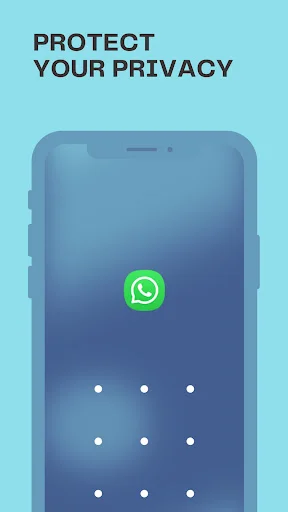
Pick the unlock method that works best for you – quick pattern drawing, secure PIN, or password protection. Switch between methods anytime to match your comfort level.
No Data Collection
Your privacy matters beyond just locking apps. Good Lock is designed to protect your apps without collecting or storing your personal information or device data.
About Good Lock: Photo & App Locker
Good Lock: App Locker - Protect Private Apps With Simple Lock Control!
Good Lock: App Locker will assist you in adding an extra privacy layer to the apps on your device. It is useful when you want messages, gallery access, personal tools, work apps, or other private applications to stay protected from unwanted opening.
Disclaimer
All product names, logos, brands, trademarks, and registered trademarks, which are not owned by us, are the property of their respective owners. All company, product, and service names used in this app are for identification purposes only. Use of these names, trademarks, and brands does not imply endorsement.
This app is owned by us and is not an official application. We are not affiliated, associated, authorized, endorsed by, or in any way officially connected with third-party apps.
Use of accessibility permission: Accessibility permission is required to enable battery optimization, improve locking speed, and app performance. Good Lock app will never use these permissions for any other purpose.
Photo Locker Password App helps when your photo-related apps need password-style protection. Safe Lock: Gallery Locker App can also be used to keep gallery access more private without making the setup feel complicated.
Privacy Lock Features:
- Pattern Lock Apps - Use a pattern method to secure selected apps
- Lock Photos & Apps Lock - Protect gallery access and private applications
- Good Lock: App Locker - Choose the apps you want to lock
- Photo Locker Password App - Add password-style protection for photo apps
- Safe Lock: Gallery Locker App - Keep gallery-related access more controlled
- Simple Setup - Select apps, choose a lock method, and apply protection
- Private Use - The app is designed to avoid collecting personal device data
Choose apps, set your lock style, and keep private access controlled!
Pattern Lock Apps are helpful when you prefer a quick drawing-style unlock instead of only using a PIN. You can choose the authentication method that feels most comfortable and apply it to apps that need extra protection.
Simple Lock Setup:
- Open Good Lock: App Locker and review your installed apps
- Choose Pattern Lock Apps when you prefer pattern authentication
- Select Photo Locker Password App for photo-related privacy needs
- Use Safe Lock: Gallery Locker App when gallery access should be protected
- Apply Lock Photos & Apps Lock to the apps you want to secure
- Adjust settings if you want to change your lock method
- Open locked apps only after the selected authentication step
Custom Security For Everyday Apps:
Good Lock: App Locker gives you control over which applications need protection. You can secure private apps, communication tools, gallery access, personal notes, or any app you do not want opened freely. The goal is to keep privacy simple while giving you practical control over app access.
Photo And Gallery Privacy Support:
Photo Locker Password App is useful when your personal pictures are stored inside a gallery or photo app that you want to keep more private. It does not need to make your phone difficult to use, because the lock process is focused on selected apps only. Safe Lock: Gallery Locker App helps you add that extra step before someone can open gallery-related content.
Keep Private Apps Safer Without Complicated Steps!
Lock Photos & Apps Lock gives you a practical way to protect selected applications with a clear and easy setup. Whether you want app privacy, gallery access control, or a simple lock method, Pattern Lock Apps helps make personal phone use feel more secure.
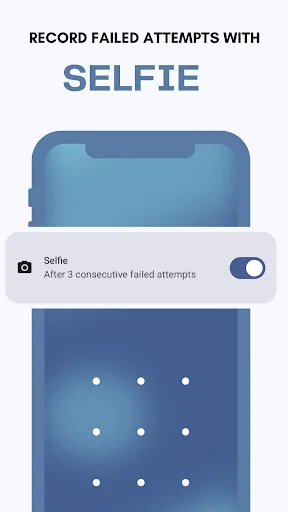
See how easy privacy protection works
Trusted by users protecting their privacy
Best app ever for free lock any apps you have
Download now and protect your privacy today
Join hundreds of thousands of users enjoying our app every day.
Available on Google Play Store • Free to download