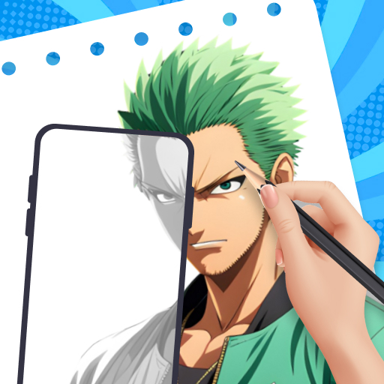
Create Beautiful Art with AR Guidance
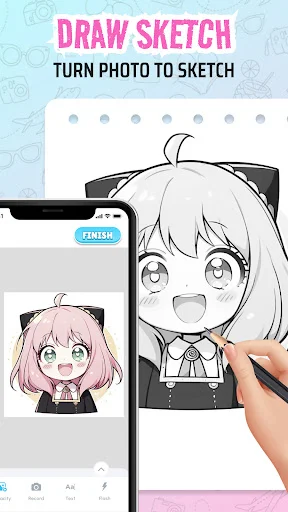
Use your phone camera to trace and draw on any surface. Turn photos into guided references that help you sketch with confidence, even if you're just starting out.
Everything You Need to Start Drawing
Draw on Any Surface
Place AR references on paper, walls, or canvas using your camera. Follow guided outlines to create art anywhere with real-time visual help that moves with you.
Perfect Reference Control
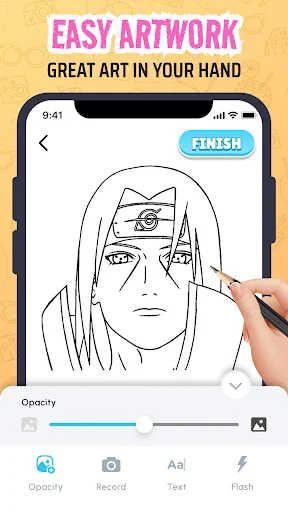
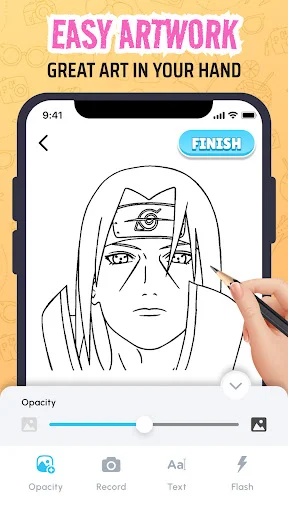
Adjust opacity, size, and position to match your needs exactly. Customize how your guide appears so you can trace comfortably and see both your work and reference clearly.
Use Your Own Photos
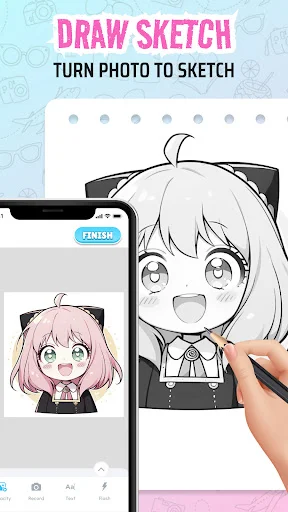
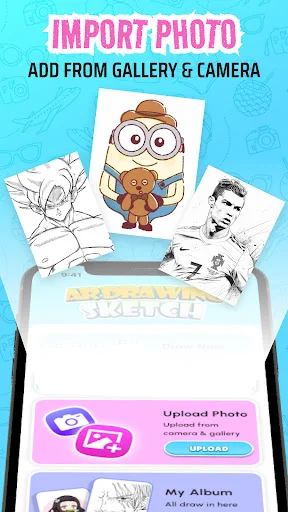
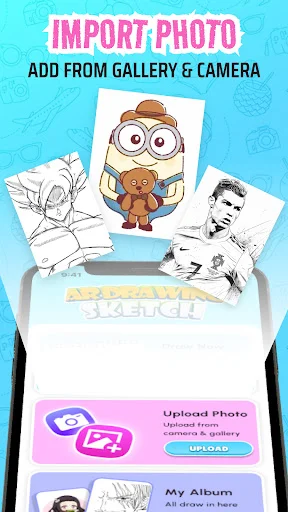
Import images from your gallery as drawing references instantly. Practice with portraits, pets, landscapes, or any picture you want to recreate in your own style.
Build Real Confidence
Learn proportions and improve hand control at your own pace. Overcome blank page anxiety and create cleaner sketches with guided practice that actually teaches you skills.
About AR Sketch & Paint Drawing
AR Sketch & Paint - Create Art With Augmented Reality!
AR Sketch & Paint will assist you in tracing images, sketching outlines, painting details, and practicing artwork on real surfaces using your phone camera. AR Sketch & Paint may be used for drawing practice, creative projects, painting guides, art learning, hobby sketches, and quick tracing whenever you want a clearer reference while creating.
Amazing Main Features:
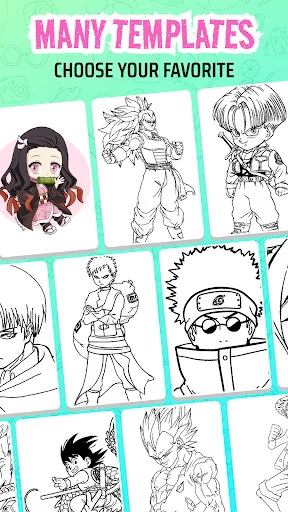
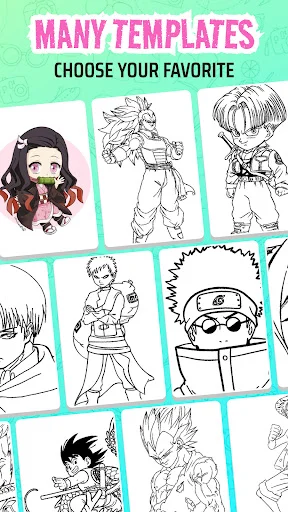
- AR Image Drawing App - Import a picture and use it as a reference
- AR App Drawing Tool - Trace outlines on paper, canvas, walls, or other flat surfaces
- AR Paint And Sketch - Combine sketching and painting tools in one creative space
- AR Picture Drawing App - Choose photos from your gallery for easy art practice
- AR Paint And Sketch - Adjust opacity, position, and size for better control
- AR Paint Drawing - Use your phone camera to guide your hand while drawing
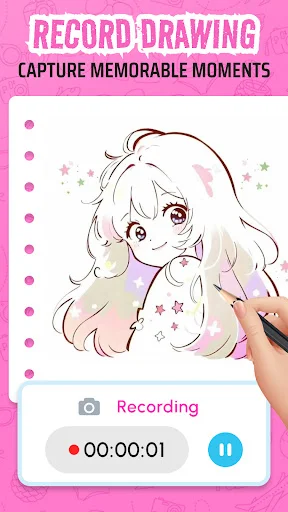
- Creative Tools - Use flashlight, reset, recording, and saving options while creating
Trace pictures, sketch ideas, and paint with AR!
AR Image Drawing App will come handy for beginners who want help with proportions, outlines, and reference placement. It is suitable for students, hobby artists, designers, and anyone who wants to improve drawing without feeling stuck at the blank page.
AR App Drawing Tool makes art practice easier by placing a visual guide on your real surface. You can follow the reference, add your own style, and build confidence with every sketch.
It is easy to use:
- Open AR Sketch & Paint, and choose your mode
- Use AR Picture Drawing App to import a photo from your gallery
- Adjust the opacity and position with AR Paint And Sketch
- Start tracing with AR App Drawing Tool on your chosen surface
- Use AR Paint And Sketch to add creative details
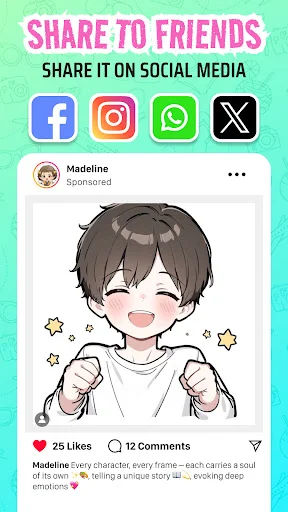
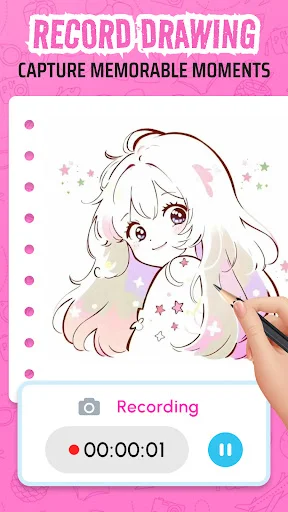
- Save your artwork or record the process with AR Paint Drawing
Smart Tools For Creative Drawing:
AR Sketch & Paint helps you turn everyday surfaces into guided art spaces with the help of your camera. You can sketch portraits, animals, objects, lettering, cartoons, and creative designs with a reference that stays visible while you draw. AR Image Drawing App also gives you more control over how your guide appears, making it easier to follow shapes without losing your own artistic touch.
Practice Sketching And Painting With More Confidence:
AR Paint And Sketch is useful when you want to learn proportions, improve hand control, or create cleaner outlines from a chosen image. AR Picture Drawing App gives you freedom to use personal photos, saved artwork ideas, or simple reference pictures for practice. AR Paint And Sketch keeps the process flexible, so you can trace, paint, adjust, reset, and try again until your drawing feels right.
Bring Your Art Ideas To Life!
AR Paint Drawing offers a fun way to practice art with modern camera-based guidance. Whether you are learning, relaxing, decorating, or building your sketching skills, AR Sketch & Paint helps you create more confidently.
See How Easy AR Drawing Can Be
Join Thousands of Happy Artists
This app is very useful
Start Creating Beautiful Art Today
Join hundreds of thousands of users enjoying our app every day.
Available on Google Play Store • Free to download