Stop Accidental Touches While Your Screen Stays On
Watch videos, show tickets, follow recipes, and use your phone without worrying about unwanted taps, swipes, or button presses. Keep your screen visible and block touches when you need it most.
Four Ways Touch Lock Makes Your Life Easier
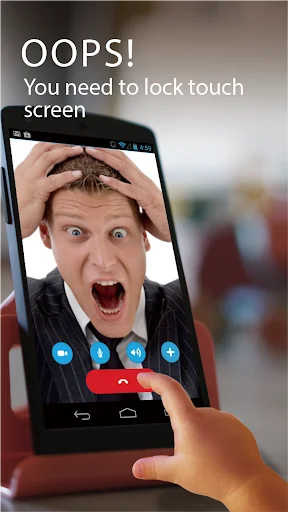
Safe Video Watching
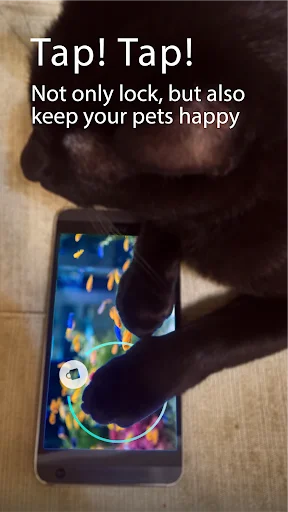
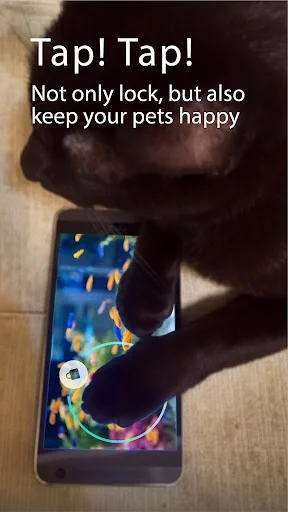
Let kids watch their favorite videos without accidentally closing apps or changing settings. Your little ones stay entertained while you stay stress-free, knowing random taps won't interrupt their viewing experience.
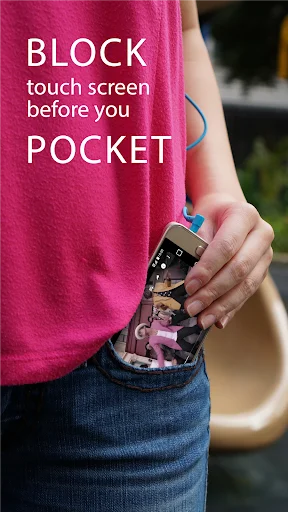
Pocket-Safe Phone Use
No more embarrassing pocket dials or music skipping when your phone is in your bag or pocket. Keep your phone secure from accidental touches while you work, exercise, or move through your day.
Ready-to-Scan Tickets
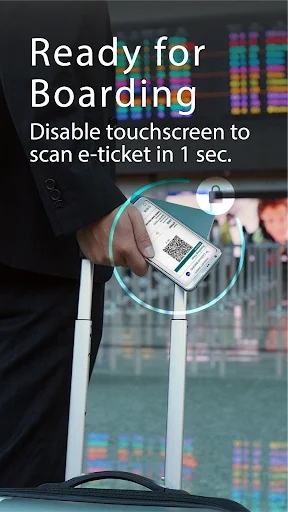
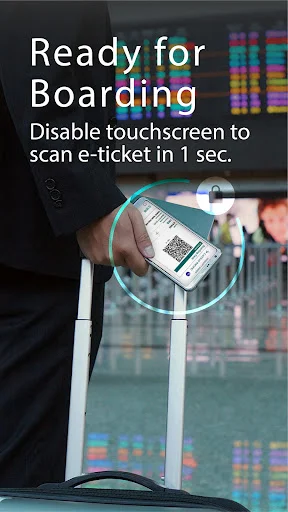
Display QR codes, boarding passes, and event tickets with confidence. Your screen stays locked and ready for scanning without the risk of accidentally closing or swiping away when you need it most.
Quick Unlock Control
Turn touch blocking on or off in seconds with a simple fingerprint unlock or quick tap. Easy enough for anyone to use, yet secure enough to prevent unwanted screen activity during any task.
About Touch Lock - Screen Lock
Touch Lock Screen On Off - Stop Accidental Touches During Daily Use!
Touch Lock Screen On Off will assist you in keeping your phone display visible while blocking unwanted taps, swipes, and button presses. It is useful for watching videos, reading recipes, showing tickets, using navigation, viewing photos, or keeping content open without interruptions.
Screen Blocking Features:
- Child Lock Screen App - Keep the screen from reacting during videos, games, or viewing
- Block Touch Screen App - Prevent accidental taps, swipes, and unwanted screen actions
- Touch Lock Screen On Off - Turn touch blocking on or off when needed
- Touch Lock Lite: Screen Lock - Use a simple tool for quick display control
- Game And Video Support - Avoid accidental exits while watching or playing
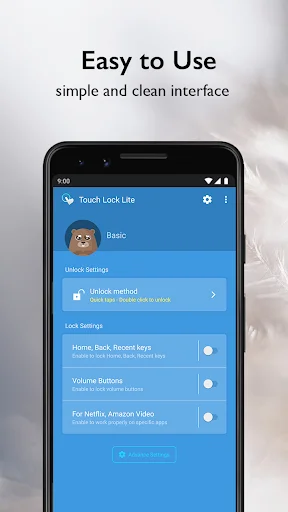
- Button Lock Options - Lock soft keys, volume keys, and navigation buttons when supported
- Full Screen Mode - Keep the display clean while content stays visible
Lock touch input for videos, recipes, maps, tickets, and more!
Child Lock Screen App is helpful when a child is watching a video or looking at content and you do not want random taps to close the screen.
Block Touch Screen App works well for QR codes, boarding passes, subway tickets, and other moments where the screen must stay ready for scanning.
Simple Use Flow:
- Open Touch Lock Lite: Screen Lock before starting your activity
- Use Touch Lock Screen On Off to block touch input on the display
- Turn on Child Lock Screen App during videos, games, or shared viewing
- Activate Block Touch Screen App when showing a QR code or reading content
- Lock soft keys or volume buttons if those options are needed
- Use fingerprint unlock or the app's unlock method when you want control again
- Turn touch control back on when the activity is finished
Videos, Photos, Games, And Drawing:
Touch Lock Lite: Screen Lock can turn your device into a more stable viewing screen for movies, music videos, photo albums, and casual games. It can also work like a quick drawing board by keeping accidental taps away while the screen stays available for viewing. For mobile games, the lock feature helps reduce unwanted stopping, exiting, or button presses.
Keep Your Screen Steady When Touches Get In The Way!
Block Touch Screen App gives you a practical way to freeze touch input while your content stays visible. With soft key lock, volume key lock, full screen mode, fingerprint unlock support, and quick touch blocking, Child Lock Screen App helps make daily phone use calmer and more controlled.
Limitations:
- Due to the Android Policy. Device power button(lock button) cannot be blocked.
- To disable touching soft keys, you must enable accessibility permission first.
- This app does not make your device waterproof or water resistant.
- Your device must have a fingerprint reader to use the fingerprint unlock option.
Issue
If the video always paused when you disable screen on Netflix or Amazon Prime Video, please follow this User Guide, but don't forget enable Usage Access permission https://goo.gl/LtzxLa
How to hidden blue message on Setting https://www.youtube.com/watch?v=T-swRDdXF-k
How to enable in Mi Phone/Pad (Xiaomi)
- Please go to settings and tap the Installed apps.
- Find the Touch Lock app and enable the "turn on floating windows", now you can see the Touch Lock notification on your mi pad
- Go Settings → Battery and performance → Choose Apps → Touch Lock → No restrictions.
Although you might receive a privacy warning, Touch Lock never observe, collect or use any of user's privacy data.
Some Photo License:
- White Feather Photo by evieshaffer on Unsplash
- "image: Finger". This cover has been designed using resources from Freepik.com
See Touch Lock in Action
Join Over 1 Million Happy Users
I've been looking for an app like this for a LONG time. I got so sick of putting my phone in my pocket, purse, gym bag only to hear my music playin...
I've just installed it and played with it a lot. I see why it has so many negative comments: with several special permissions (some are full phone ...
Works Great! I've been using this for over a year now on multiple tablets and I couldn't be happier! My little one can watch his movies without me ...
Great app. I use youtube music so i cant turn off my phone and play music at the same time, i work alot and i like my music but its a struggle just...
By far the best Touch Lock App. Try the others and see if I am right ? Just touch the on-screen symbol "quickly twice" to unlock it. Allow notifica...
Thank you so much for this app! I don't know what the creators was thinking when they made this app, but I'm glad they had the thought... The app i...
Download now and stop accidental touches today!
Join millions of satisfied users who have already transformed their experience.
Available on Google Play Store • Free to download