
Free Up Phone Storage with Smart Video Compression
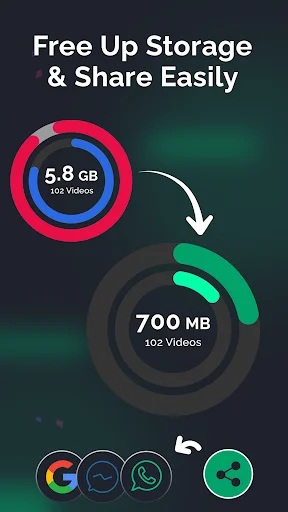
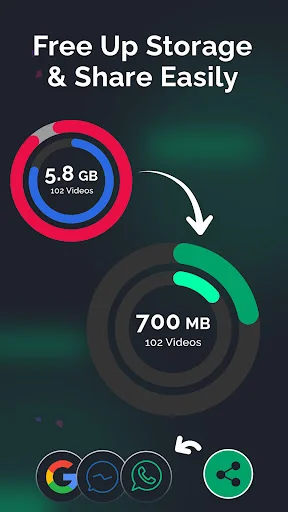
Reduce video file sizes while keeping the quality you need. Compress, edit, and share videos in one simple app – no more storage full warnings or failed uploads.
Everything You Need in One Place
Adjust Compression Your Way
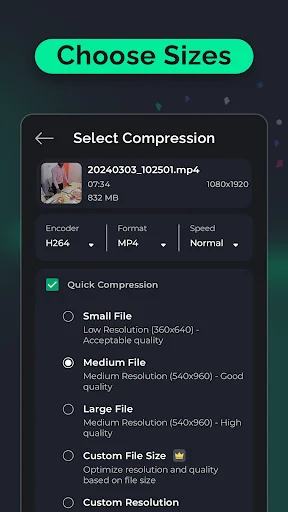
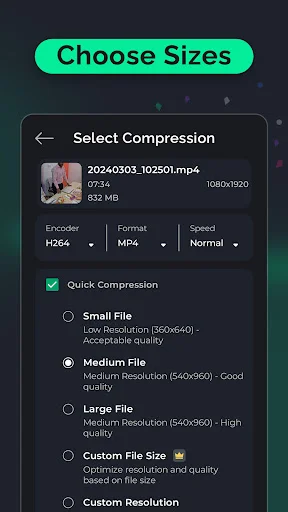
Choose quick presets or customize settings like resolution and bitrate to find the perfect balance between file size and video quality. Get smaller files without guessing which settings to use.
Save Time with Batch Processing
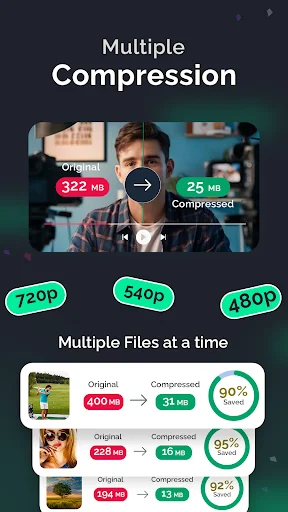
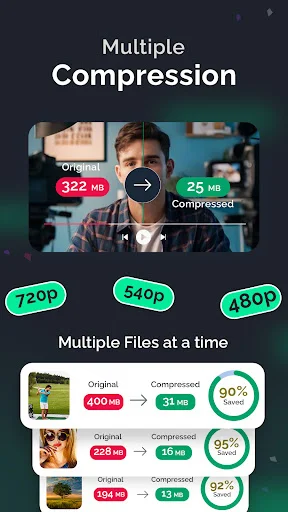
Compress multiple videos at once instead of processing them one by one. Free up gigabytes of storage in minutes, not hours, so you can get back to capturing new moments.
Edit Without Switching Apps
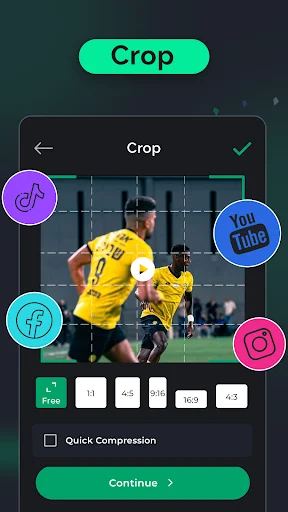
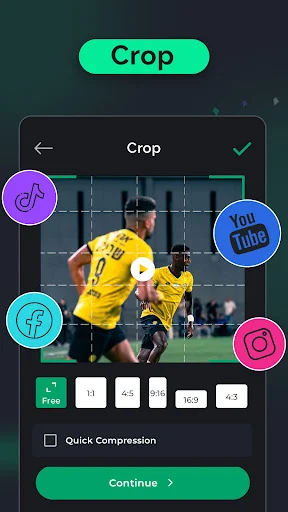
Trim clips, crop to platform-ready aspect ratios like 1:1 or 16:9, convert formats, and adjust playback – all while compressing. Prepare the perfect video for Instagram, WhatsApp, or any platform in one go.
Preview Before You Save
Compare compressed videos with the original before making them permanent. See exactly how much space you'll save and check the quality, so you always keep the version that works best for you.
About Compress Video - Size Reducer
What is Compress Video - Size Reducer?
🎥 Make video files smaller for storage and sharing on Android. This video compressor combines adjustable compression with format conversion, trimming, cropping and playback effects, so you can prepare a clip without switching between separate tools for each step.
Choose settings that balance file size and visual quality. The amount of space you save depends on the original video and the options you select; compression does not guarantee unchanged quality.
Who is Compress Video - Size Reducer for?
Use it when large clips take up space on your phone, when you want a smaller version to share, or when you need to shorten or reframe a video before sending it.
You can prepare a square, portrait or widescreen crop, convert a supported file to MP4, or try reverse playback for a different effect. Preview the result to decide whether its size and appearance suit your purpose.
What does Compress Video - Size Reducer do?
- Compress videos individually or process multiple files at a time.
- Choose compression presets or adjust settings such as resolution, frame rate and bitrate to balance size and detail.
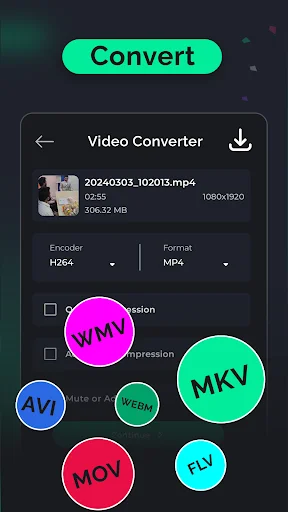
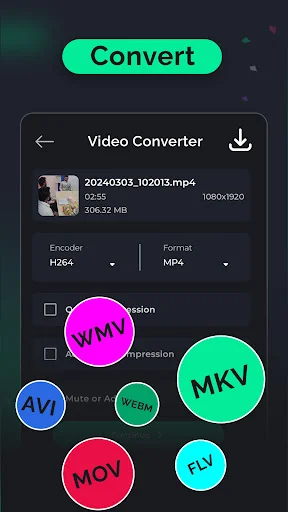
- Convert supported video formats, including MOV to MP4, with options for formats such as AVI and MKV.
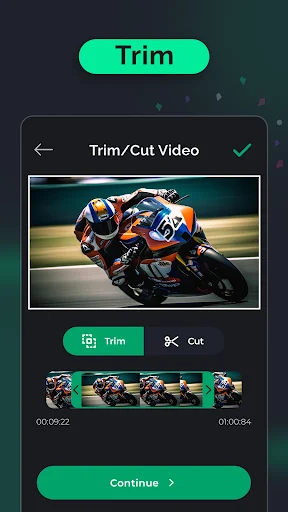
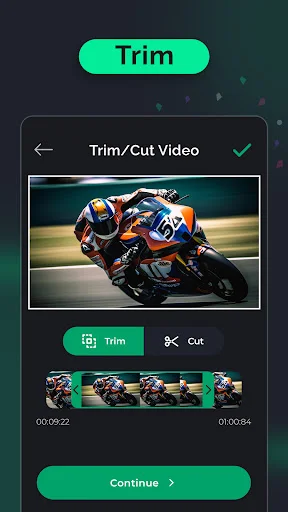
- Trim a clip's length or cut unwanted sections to keep the content you want.
- Crop with a custom frame or preset aspect ratios, including 1:1, 4:5 and 16:9.
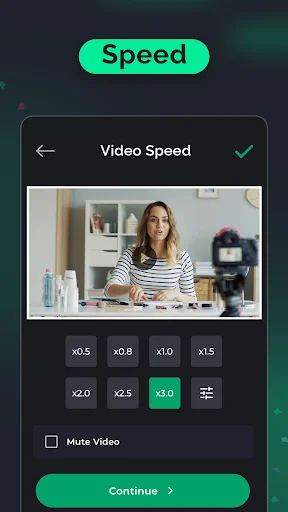
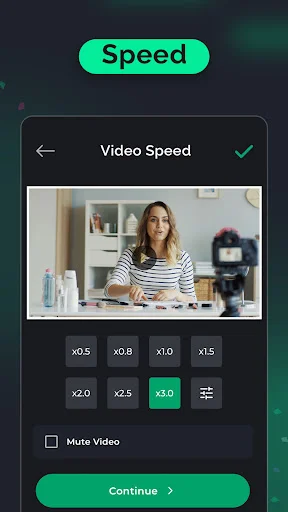
- Change playback speed, mute a video or use reverse playback for creative edits.
- Preview and compare files before deciding which result to keep or share.
Compression and editing serve different needs: trimming changes duration, cropping changes framing, and compression settings affect the resulting file size and quality. Combine the tools to prepare the version you need.
How does Compress Video - Size Reducer work?
Select the video you want to work on and choose a tool. For a smaller file, choose a compression preset or adjust the available output settings. For an edit, trim or crop the clip, change its speed, or choose a reverse effect.
Select a supported output format when converting, then process the video. Review the result and compare its size and appearance with the original before sharing it. Keep your original until you are satisfied with the edited or compressed version.
Compatibility and requirements
The app needs access to the videos you select for processing. Available conversions depend on the source format, codec and output settings; support for a format does not mean every file using that extension will work.
Stronger compression can reduce visible detail. No fixed percentage reduction, processing time or quality level is guaranteed for every video.
The app contains ads and offers in-app purchases. Some options may require a paid purchase.
Compress Video - Size Reducer brings video compression and practical editing tools together to help you prepare smaller, suitably framed clips for storage and sharing.
See How Easy Video Compression Can Be
Join Thousands of Happy Users
This app is great! My video was like 603MB and I used this app to reduce my video size and when I opened the compressed video, it was great quality...
I am impressed. The video compressor app compressed my videos size around 95%, and the resulted video quality was good. It also has an option to re...
This app is one in a million, whatever size you compress your videos to, it will still retain its original quality. Very powerful and compresses yo...
Literally, the best video compression app. It works like magic. It reduces my 3 GB file to about 100 MB, and the quality is also not much reduced. ...
This is one of the best .. Content creators. YouTube channel creators having problems with file size this is the best app for it. Tested and trusted
This is the best video compressor I have ever used, it compresses your video without messing up with the quality.
Start compressing videos and free up space today
Discover what our growing community loves about this app.
Available on Google Play Store • Free to download